We put AI to work inside your business.
Big Timber is a hands-on partner. We learn how your business runs, then set up AI to handle real work inside the tools you already use — your email, your CRM, your project boards, your phone system. Work that used to eat hours starts happening on its own.
Backed by our 90-Day Money-Back GuaranteeSource message

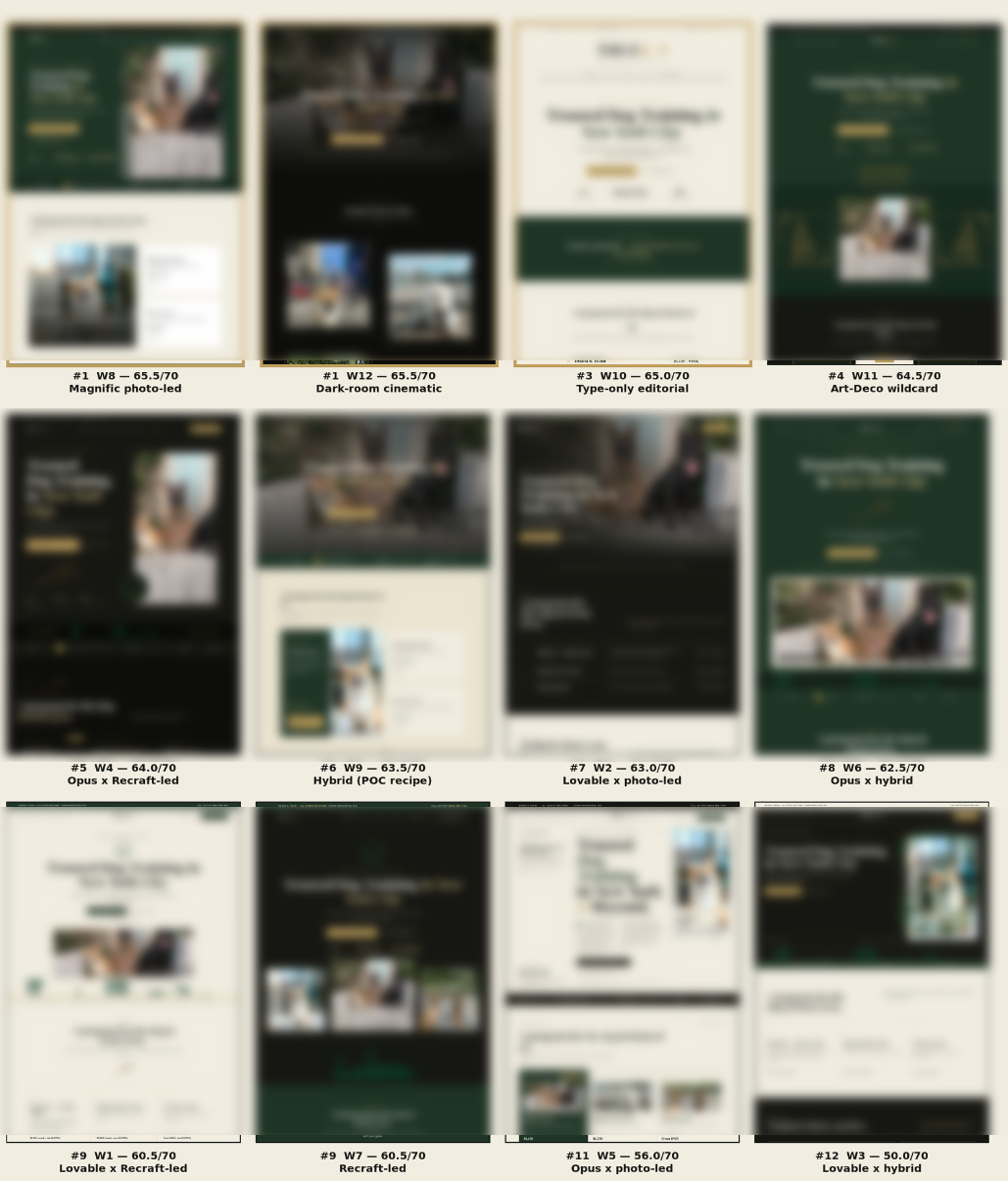
Twelve scored design concepts from one live client design engagement.
Real screenshots from real, documented workflows.
Blurred to protect client confidentiality.
Your team already knows how to use this
We don't teach your team a new platform — there isn't one. Your AI works inside Slack or Microsoft Teams, the place your team already talks. That's a deliberate choice, because adoption is where most AI projects die: new logins, new dashboards, new habits nobody keeps. We skip all of it. If you can send a message, you can put AI to work. And because every deployment lives in a channel, governance and cost control attach right there — different teams and projects can run different rules, models, budgets, and permissions.
- 1
Zero training curve — no new software, no new habits
- 2
Work happens in channels your team can see — visible, auditable, correctable in real time
- 3
Requests, approvals, and results live in one searchable thread
- 4
Works from a phone in a truck as well as it does at a desk
What that looks like
Every one of these runs from Slack or Microsoft Teams — no new platform required.
- 01
One Slack message becomes a fully built, assigned task in your project board — client, budget, and instructions filled in
See the use case - 02
Say "set up conversion tracking" and it gets deployed on your website, tested end to end
See the use case - 03
Ask for design options and get a scored contact sheet of 12 concepts to pick from
See the use case - 04
One assignment message spins up a team of AI agents that split the work, brief each other, and verify the result
See the use case - 05
Every inbound lead is researched and scored before a human ever opens it
See the use case - 06
Call notes file themselves into your CRM after every meeting
See the use case - 07
A report that used to take an afternoon arrives in minutes
See the use case - 08
Automate payment recovery and collections
See the use case - 09
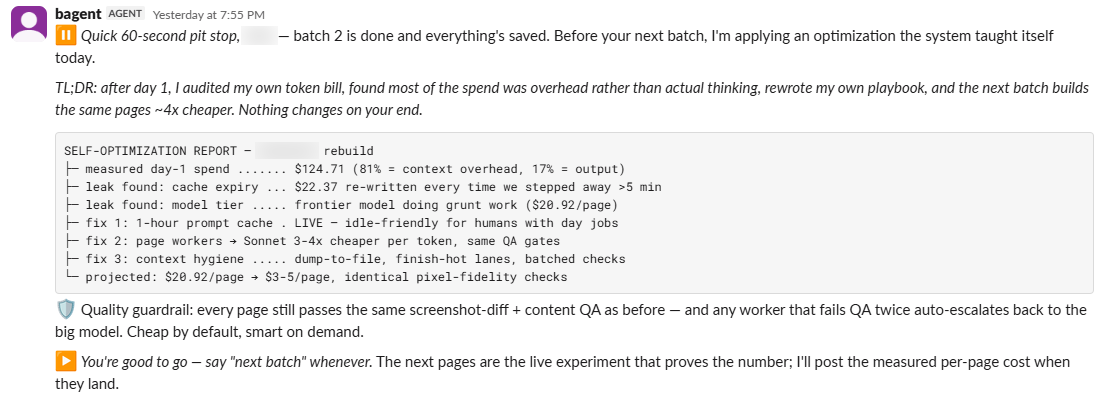
An agent notices its own operating cost climbing, restructures how it works, and cuts it
See the use case
AI, deployed responsibly
— like an operation, not an experiment
The workflows are the shiny object. The bigger unlock — and the bigger risk — is cost and control. AI lets you get dramatically more done, which also means it can spend dramatically more. We manage both:
A structured rollout: every workflow starts as a Copilot (human drives)
earns its way to Coworker (works alongside you)
only becomes an Operator (runs on its own) once it's proven.
Nothing skips the line.
See the use case
You're not just adopting AI. You're adopting a management system for it.
How an engagement works
- 01
Discover
Learn the business, its goals, economics, systems, workflows, and real bottlenecks.
- 02
Design
Prioritize opportunities by value and feasibility, then architect the operating environment.
- 03
Build
Connect systems and implement the workflows and agents that perform the work.
- 04
Train
Onboard employees and redesign how the work gets done around the new capability.
- 05
Maintain
Monitor, troubleshoot, update, support, and govern the environment in production.
- 06
Expand
Identify the next opportunity and build the next layer of capability.


You don't need to know anything about AI. You point at the work; we make it happen.
Backed by our 90-Day Money-Back Guarantee.
Find Where AI Fits